



Description
Download WhatsApp Business APK – Small Business Communication, Business Profile, Customer Messaging, WhatsApp Web, Landline Support
Overview
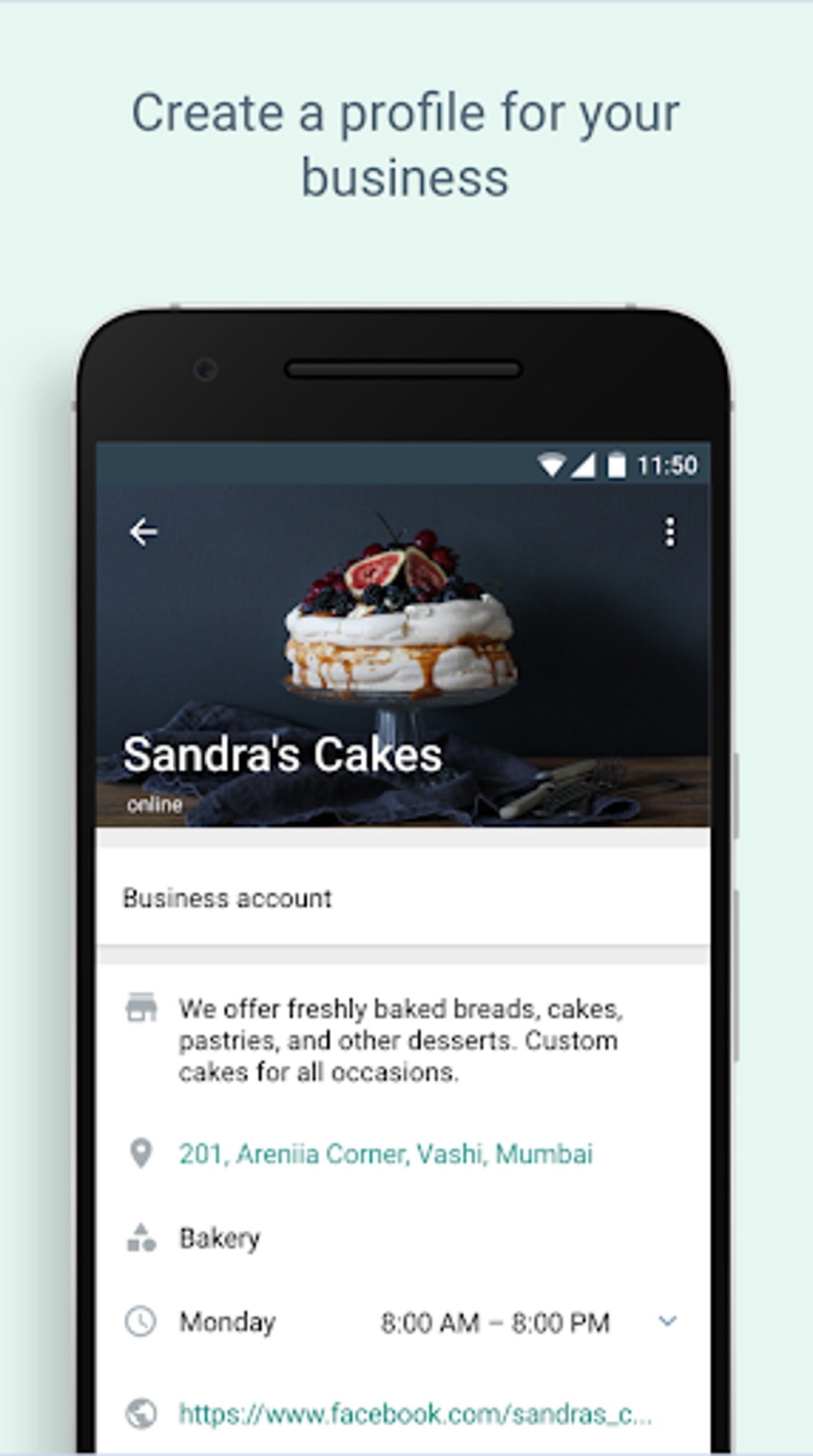
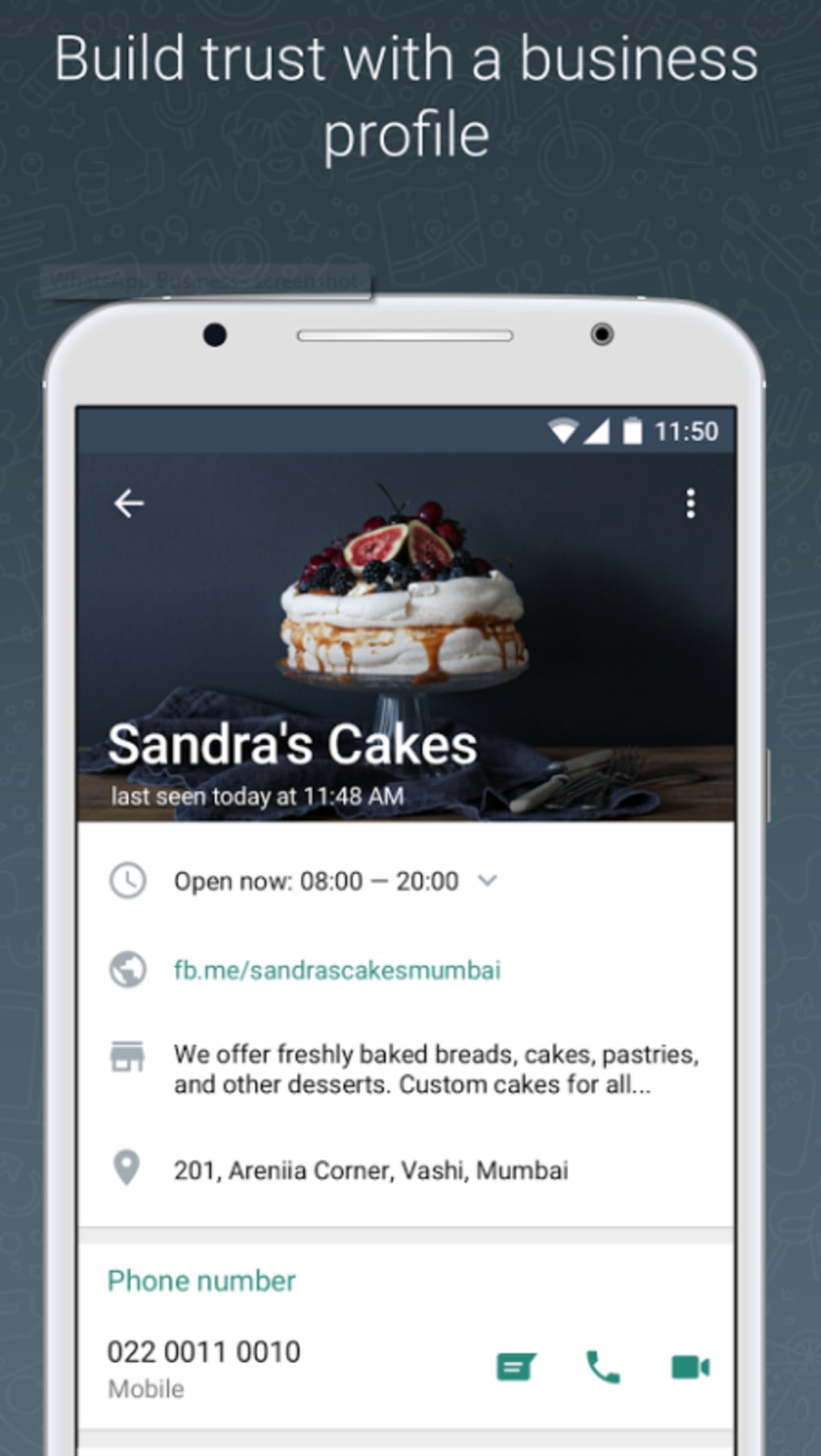
WhatsApp Business is a specialized desktop and mobile application designed to help small businesses manage customer communication more effectively. Built on the widely used WhatsApp platform, it offers a streamlined interface tailored for professional use. The software enables business owners to establish a digital presence by creating a detailed business profile, including contact details, business hours, website links, and location information. This helps customers quickly access essential information and improves overall accessibility. The tool is especially suited for entrepreneurs, freelancers, and small retail operators who rely on direct, real-time communication with clients. While the developer is not explicitly named in the provided details, the application is officially associated with WhatsApp Inc., known for its secure messaging infrastructure. Real-world use cases include customer support, order tracking, appointment reminders, and promotional outreach. The app supports both personal and business messaging on the same device, allowing users to maintain a clear separation between private and professional interactions. The developer did not provide additional system requirements or performance benchmarks.
Key Features & Capabilities
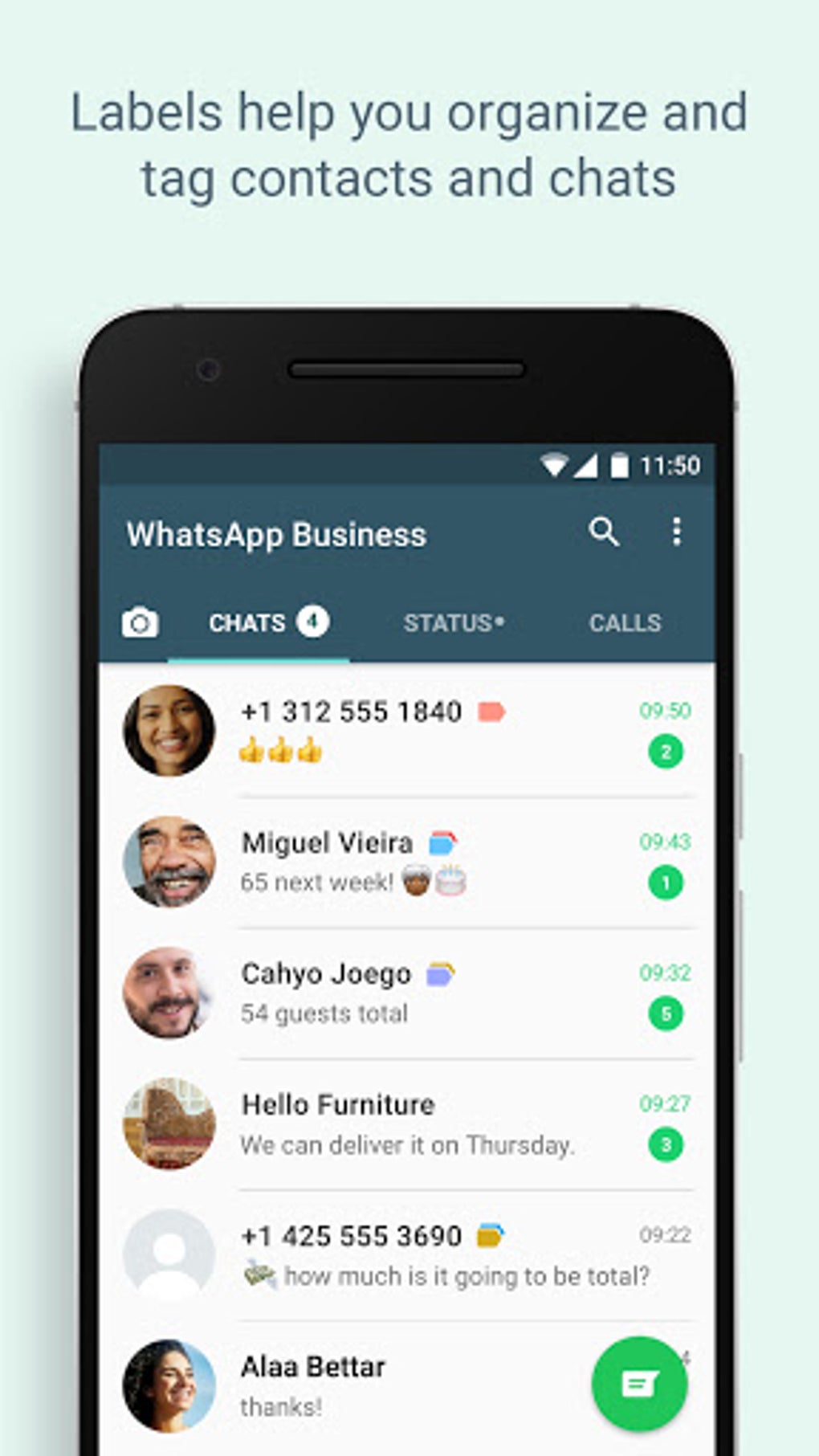
- Business Profile Creation – Users can set up a professional business profile with customizable fields such as business name, logo, description, address, website, and contact information. This enhances credibility and helps customers find and engage with the business easily.
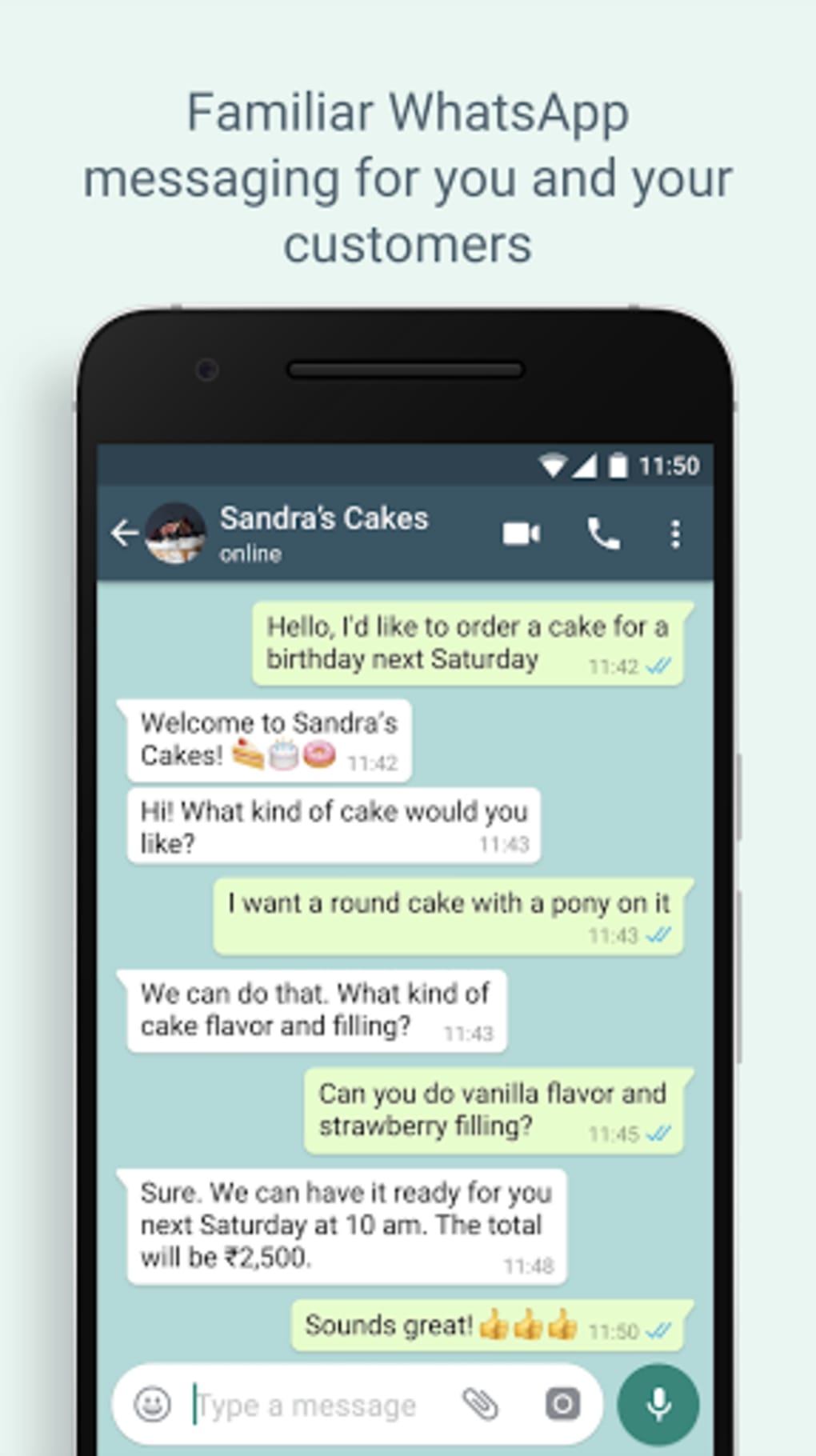
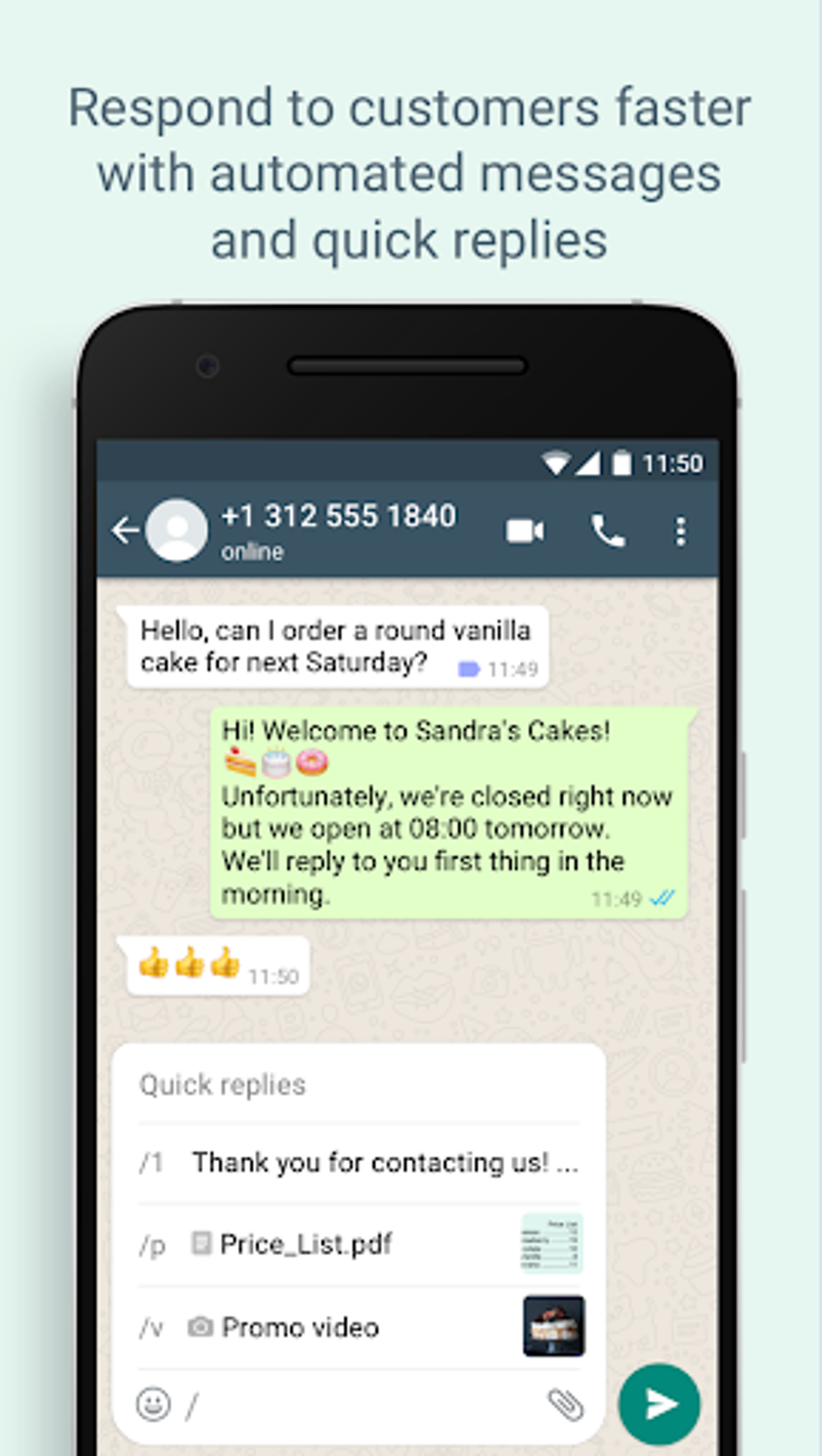
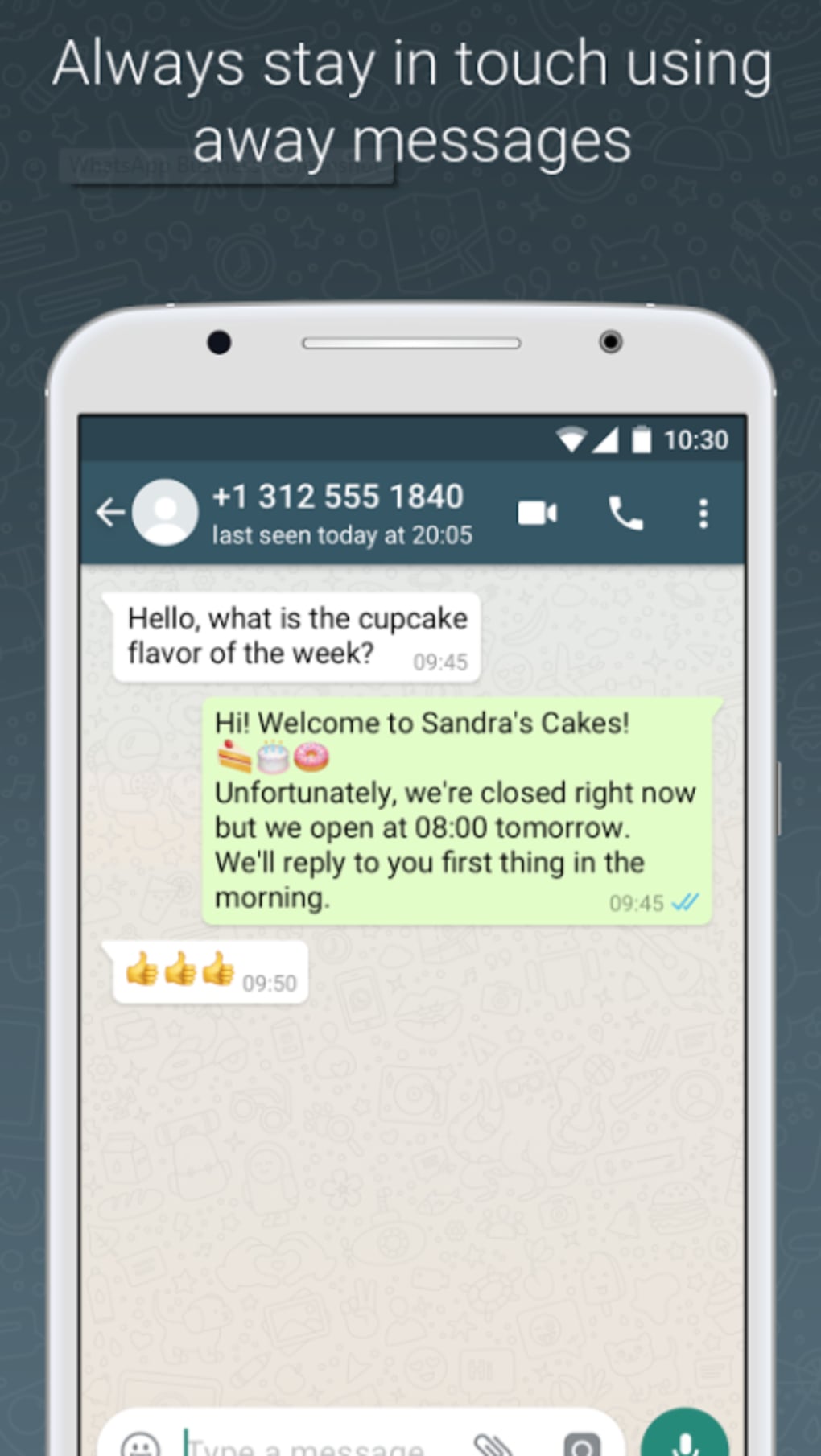
- Automated Messaging Tools – Features like away messages and greeting messages allow businesses to set automatic responses when they are offline or when a new customer initiates a conversation, improving response efficiency.
- Landline/Fixed Number Support – Unlike standard WhatsApp, WhatsApp Business supports landline or fixed phone numbers, enabling businesses to use dedicated contact numbers without needing a mobile line.
- Multi-App Operation – The software allows users to run both WhatsApp Messenger and WhatsApp Business simultaneously on the same device, each linked to a different phone number, supporting a clean separation between personal and professional communication.
- WhatsApp Web Integration – A web-based version enables users to manage business conversations directly from a computer browser, enhancing productivity for users who prefer desktop workflows.
These features collectively support efficient customer engagement, better organization, and professional branding. For example, a small retailer can use the business profile to display store hours and location, while using automated messages to acknowledge incoming orders. A service provider can use the web version to respond to client inquiries while managing other tasks on their computer.
User Interface, Workflow & Performance
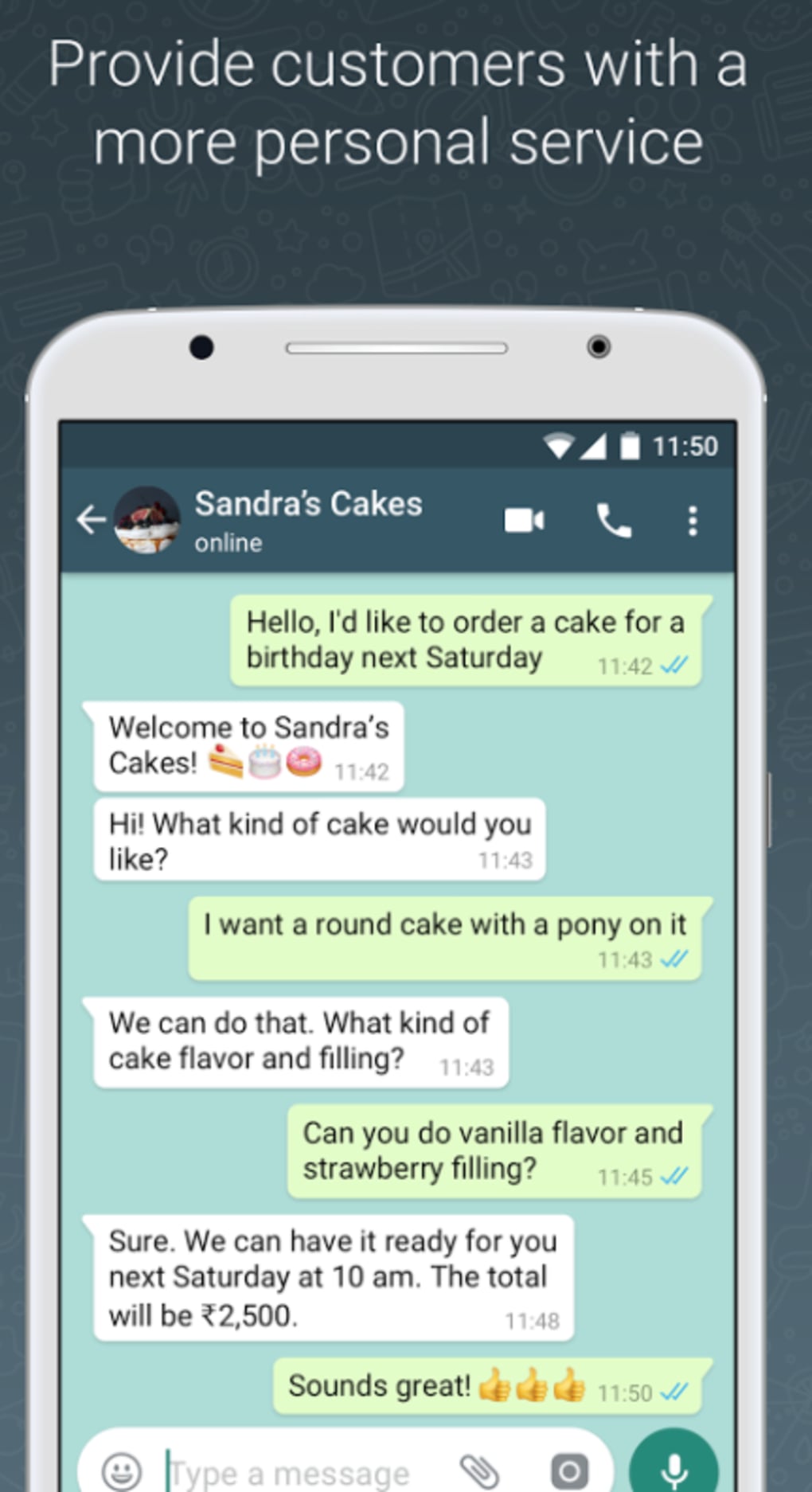
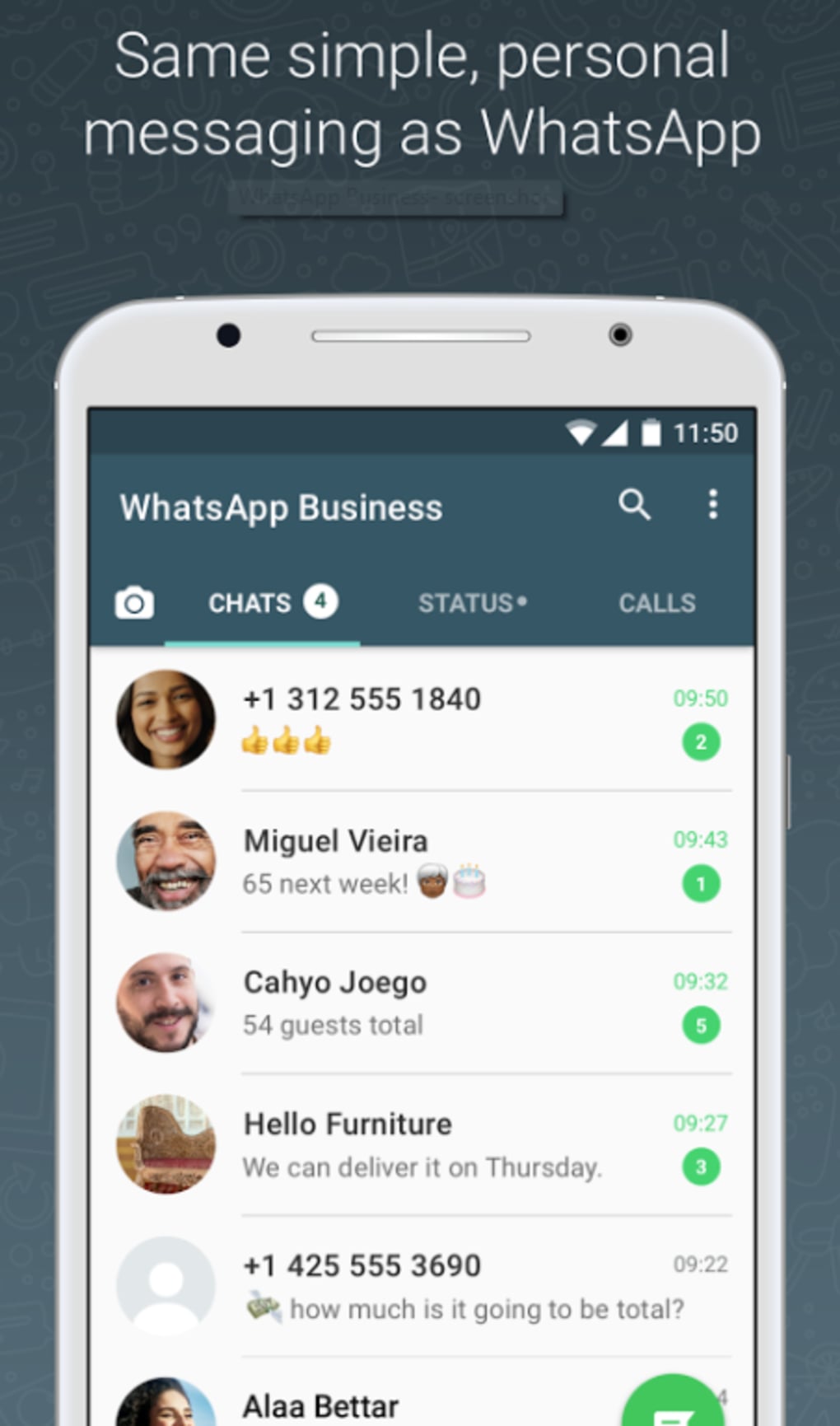
The user interface of WhatsApp Business is designed for simplicity and familiarity, leveraging the same layout as the standard WhatsApp app. Navigation is intuitive, with clearly labeled sections for chats, contacts, and the business profile. The workflow prioritizes quick access to customer messages, business tools, and profile settings. Users can switch between personal and business accounts seamlessly, with minimal disruption to their daily tasks. The app integrates smoothly with the mobile operating system, allowing for notifications, message syncing, and background operation. However, exact performance details were not specified. The developer did not provide information on CPU or RAM usage, nor did they list stability benchmarks. Performance observations are based on general software behavior patterns. No reports of crashes or lag were mentioned in the input data.
Compatibility & System Requirements
WhatsApp Business is available for Android devices and can be downloaded as an APK file for installation on compatible systems. The software supports the latest versions of Android, though specific version numbers were not provided. Installation size is not specified in the input. The developer did not list exact system requirements such as minimum RAM, processor speed, or storage space. Compatibility information was partially provided. Users should ensure their device meets the requirements for running the standard WhatsApp app, as WhatsApp Business shares the same underlying platform. The application is not available for iOS or desktop operating systems in the form of a native standalone app, though WhatsApp Web provides limited desktop access.
Pros and Cons
Pros
- Professional business profile with customizable contact details
- Support for landline and fixed phone numbers
- Ability to run both WhatsApp Messenger and WhatsApp Business on the same device
- Automated messaging for improved customer response time
- WhatsApp Web support for desktop-based communication
Cons
- Not available as a native desktop application for Windows or Mac
- Installation requires APK file, which may raise security concerns for some users
- Limited to Android platform only
- Exact system requirements and performance data not disclosed
- Advanced automation features may require third-party tools or workarounds
FAQ Section
Is WhatsApp Business available for Windows and Mac?
WhatsApp Business is not available as a native desktop application for Windows or Mac. However, users can access it via WhatsApp Web on a computer browser, provided the mobile app is running on a connected Android device.
Can I use a landline number with WhatsApp Business?
Yes, WhatsApp Business supports landline or fixed phone numbers, allowing businesses to use dedicated contact numbers without requiring a mobile line.
Is WhatsApp Business secure?
Yes, WhatsApp Business uses end-to-end encryption for all messages and calls, ensuring that communications remain private and secure between the sender and recipient.
Do I need to pay to use WhatsApp Business?
WhatsApp Business is free to download and use. There are no subscription fees or charges for sending messages or making calls, including international ones.
Can I run WhatsApp Business and WhatsApp Messenger at the same time?
Yes, you can run both WhatsApp Business and WhatsApp Messenger on the same Android device, each linked to a different phone number, allowing for a clear separation between personal and professional communication.
Final Thoughts + CTA
WhatsApp Business stands out as a practical and accessible tool for small businesses seeking to enhance customer communication. Its core features—business profile, automated messaging, landline support, and multi-app functionality—address real challenges faced by entrepreneurs. While the lack of a native desktop version and limited platform availability are drawbacks, the app’s integration with WhatsApp Web and mobile ecosystem helps mitigate these gaps. The ability to maintain professional boundaries while using a familiar interface makes it ideal for small business owners, freelancers, and service providers. For those looking to improve customer engagement, build trust, and scale communication efforts without additional costs, WhatsApp Business delivers strong value. Download WhatsApp Business APK now and take your business to the next level.
Guides & Tutorials for WhatsApp Business APK
How to install WhatsApp Business APK
- Click the Preview / Download button above.
- Once redirected, accept the terms and click Install.
- Wait for the WhatsApp Business APK download to finish on your device.
How to use WhatsApp Business APK
This software is primarily used for its core features described above. Open the app after installation to explore its capabilities.
User Reviews for WhatsApp Business APK 0
No reviews found





